The Best Open-Source Database Option

What We Offer
Although PostgreSQL has a lot of power, performance may be hampered by default configurations. With professional optimization, we unleash its full potential. Beyond simple tweaking, we offer comprehensive indexing, automated cleanup, partitioning, AI integration, real-time monitoring, bespoke extensions, and more for PostgreSQL. Obtain a scalable, secure, and quicker database that meets your requirements. Together, we can improve your PostgreSQL performance!
Optimizing Queries
- Determine which slow requests are impacting Odoo’s functionality.
- Use caching, partitioning, and indexing to optimize queries.
- Improve ORM-generated SQL queries to lessen database demand.

Replication via Logic and Streaming
- Reduce downtime by implementing Streaming Replication with standby servers to guarantee Odoo’s availability during database outages.
- By distributing read queries among replicas, Streaming Replication can lessen the strain on the main database and enhance Odoo’s functionality.

Custom Extension Development
- Examine Odoo’s particular database needs and identify areas where a unique PostgreSQL extension can improve functionality, automation, or performance.
- To enhance query performance and expand database capabilities beyond PostgreSQL’s default features, create unique data types, functions, and operators for Odoo.

Postgres Performance Optimization
- Examine database bottlenecks
- Optimize database performance with configuration parameter tuning
- Improve Query Execution and Indexing
- Give a report on performance enhancement.

Database Reorganization
- Examine Odoo’s database structure to find unnecessary columns, redundant tables, and ineffective relationships that affect performance.
- Depending on the needs of the business, use denormalization for quicker searches or normalizing to remove redundant data.

Database Restoration
- Determine Data Loss & Root Cause: To ascertain the cause of data loss or failure in the Odoo database, examine PostgreSQL logs, replication status, and corruption trends.
- Make a plan for recovery and a strategy for future prevention. Provide a thorough recovery report and establish automated backups.

Hardening of Security
- Put Role-Based Access Control (RBAC) into practice To guarantee that users and Odoo services only have access to the information they require, define least privilege access using PostgreSQL roles and permissions.
- Turn on Secure Connections & Data Encryption For safe database connections, use SSL/TLS encryption; for sensitive data, such as passwords and financial records, use pgcrypto.

Training with Postgresql
- PostgreSQL Concepts for Novices to Experts Instruct students in database principles, SQL queries, indexing, and optimization strategies specific to Odoo and generic PostgreSQL use cases.
- Practical Performance Enhancement and Query Optimization To increase database performance in the real world, give hands-on instruction on EXPLAIN ANALYZE, indexing techniques, partitioning, and configuration optimization.

Consultation
- Evaluation and Optimization of Database Performance To enhance PostgreSQL performance for Odoo and other applications, examine server options, indexing techniques, and slow queries.
- Strategy for High Availability and Replication To guarantee database scalability and dependability, design and implement load balancing, failover solutions, and streaming and logical replication.

Managing and Partitioning Large Datasets for Odoo
- Examine and Determine Which Big Tables Are Causing Performance Problems Examine the database structure of Odoo to identify huge tables and optimize them for quicker query execution.
- Use Table Partitioning to Access Data More Quickly To improve scalability and speed up query response times, divide huge tables according to date, company, or area using Range, List, or Hash Partitioning.

Faster Odoo Performance with Custom Database Indexing
- Examine Query Trends and Find Missing Indexes Examine Odoo’s frequently visited tables, slow queries, and ORM-generated SQL to see where indexing can boost efficiency.
- Put Optimal Indexing Techniques into Practice For quick lookups, use B-Tree indexes; for full-text search, use GIN indexes; for huge tables, use BRIN indexes; and for overhead reduction, use partial indexes.

Automated Odoo Data Archiving and Cleanup
- Determine Which Old and Inactive Data Is Causing Odoo to Slow Down Examine big tables to find outdated or unnecessary records that affect performance.
- Use Automated Archiving Techniques To transfer outdated data to a different storage location while maintaining Odoo functionality, use Partitioning, Materialized Views, or Archive Tables.

Odoo Search Optimization Using PostgreSQL
- Improve Full-Text Search with Trigram and GIN Indexing Use pg_trgm for fuzzy matching in customer and product searches and GIN indexes for tsvector full-text search to increase Odoo search speed.
- Enhance the Performance of Queries for Big Datasets To speed up searches on frequently requested fields, use partial and covering indexes.

Odoo Custom Stored Procedures & Functions in PostgreSQL
- Automate Database-Level Complex Business Logic Create PL/pgSQL stored procedures to manage data transformations, financial computations, and bulk activities while lowering the burden on the Odoo server.
- Reduce ORM Query Overhead to Boost Performance Reduce Odoo’s Python processing time and increase speed by using custom SQL functions to carry out repetitive queries effectively.

Odoo Real-Time Database Monitoring and Alerting
- Monitor Query Performance and Determine Bottlenecks Monitor slow queries, deadlocks, and high CPU usage.
- Set Up Automated Alerts for Critical Events Configure Prometheus + Grafana or pgwatch2 to trigger alerts for high replication lag, disk space issues, and slow transactions in Odoo’s PostgreSQL database.

Providing Personalized Source Code for PostgreSQL
- To improve speed or introduce new features, make changes to PostgreSQL internals (such as tablecmds.c and heapam.c).
- Optimize the retrieval of huge datasets by customizing query execution plans.
- For quicker I/O operations, make adjustments to the storage layer.

Obtaining Dead Rows
- Remove records that have been deleted from the PostgreSQL MVCC (Multi-Version Concurrency Control) system.
- Before VACUUM permanently removes dead tuples, restore them from the visibility map.
- Create a custom function to retrieve dead tuples from the heap before PostgreSQL repurposes them.

Integration of AI with PostgreSQL
- Install AI models straight into PostgreSQL.
- To enable AI-driven query replies, implement PL/Python functions.
- Use AI to create SQL queries, summarize text, and improve speed.
- For lightweight inference inside the database, use Llama.cpp.
Odoo Database Health Analysis
- Make use of the pgBadger and pg_stat_statements PostgreSQL monitoring features.
- Determine and correct locks, bloat, and inefficient queries.
- Adjust PostgreSQL configurations in accordance with workload analysis.
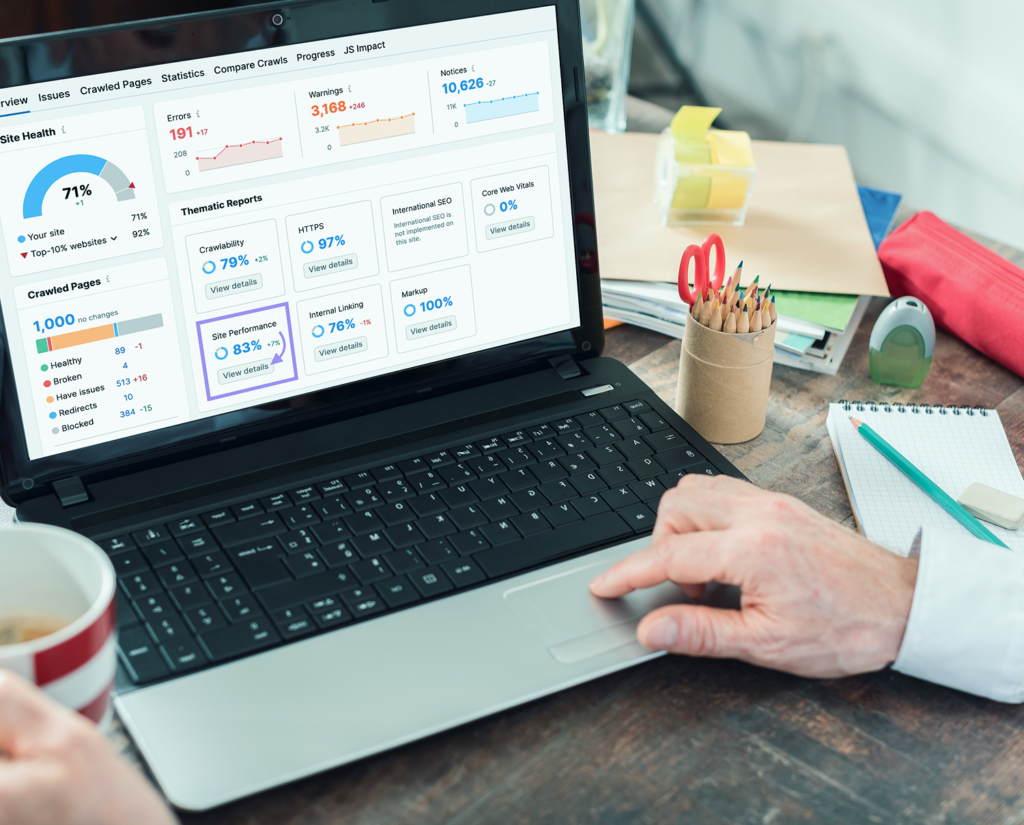
Optimizing Query Parallelism
- Determine whether Odoo queries (such as large reports and aggregations) would benefit from parallel processing.
- To enable and maximize parallel query execution, configure PostgreSQL’s max_worker_processes, max_parallel_workers_per_gather, and associated options.

Optimization and Management of Connection Pooling (Beyond Basic Setup):
- Adjust PgBouncer’s parameters (such as server_idle_timeout, query_wait_timeout, and max_client_conn) to minimize latency for Odoo users by optimizing connection reuse and query queuing.
- Provide a service that dynamically modifies connection pool sizes based on Odoo’s real-time load and anticipated usage patterns rather than only configuring PgBouncer.

Managing GIS Data with PostGIS:
Provide PostGIS knowledge if the Odoo instance makes use of geographic data:
- Save and Request Geospatial Information Effectively.
- Enhances Location-Based Searches.

Guide & Support
Documentation
Guides, tutorials, and API references for PostgreSQL in Odoo.
Professional Support
Enterprise-grade assistance from certified PostgreSQL experts.
Ready to optimize your Odoo database?
If the Odoo instance uses geographical data, offer expertise in PostGIS: