

Unlock the Power of Odoo with Cybrosys Mobile App

Odoo Vs SAP

Odoo Community Edition serves as the free foundational edition of Odoo, powered by open-source software. Conversely, Odoo Enterprise Version is a premium offering, designed specifically for high-end, specialized markets. Odoo Enterprise provides limitless functional assistance, version upgrades, and options for Public or Private Cloud hosting, making it distinct from the Odoo Community Version. Moreover, the swift performance and efficiency further set Odoo Enterprise apart from its Community counterpart.

SAP Business One The Most Efficient Businesses Operate on SAP

A successor of the Xerox business computing division, SAP is a respected provider of Enterprise Resource Planning Software. Having been in the market for custom solutions for large corporations since 1971, SAP ventured into the SME sector in 2002 with the introduction of SAP Business One (SBO). SAP crafted SBO as their most affordable ERP option. Designed for small to medium-sized enterprises with minimal tailoring, SBO encompasses applications to manage all business requirements from CRM to Manufacturing, configured for both cloud and on-premises environments. SBO is particularly advantageous for smaller manufacturing scenarios as it is missing advanced planning and shop floor management functions necessary for direct use. With over 50,000 clients across 190 nations, SBO boasts a robust community of value-added resellers offering locally developed modules to accommodate intricate manufacturing processes.

50,000

customers

120+

countries

2550

partners

40000+

apps in odoo apps
Odoo Vs SAP

Odoo
Elevate Your Enterprise

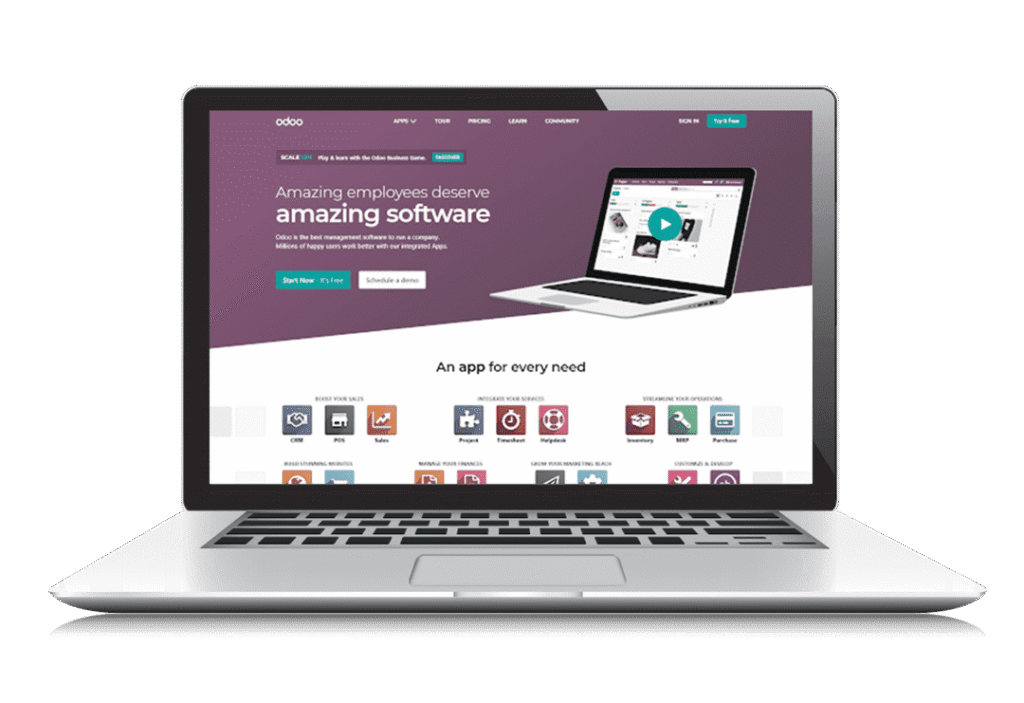
Odoo, a versatile open-source business management platform with an array of modules, caters to diverse business requirements. Each App within Odoo oversees a singular business operation, and the apps can be installed based on necessity. Compatible with both on-premises and cloud environments, Odoo regularly enhances its applications. Notable features include Maintenance, Quality, and PLM apps alongside MPS, MRP Subcontracting capabilities in the latest Manufacturing Module. Odoo has also incorporated an array of additional features such as Skill Management Module, Website Form Builder and elements, POS User Interface, Data Cleaning Application, Sales Forecasting, Product Videos for e-Commerce, Smart Date Selector, and more.

12

million users

120+

countries

2550

partners

40000+

apps in odoo apps

Inventory Management

Odoo Enterprise

Community

General

Multi-Warehouse

Storage Locations (Bins)

Bin Replenishment

Mobile Device Support

Multi-Company

Multi-Currency

Multi-Language

Automatic ASN (Advanced Shipping Notice)

Package Management / Cartoning

Freight Carrier Integration

Manage Consignee Stocks

EDI (Electronic Data Interchange)

Products

Non-Stocked Inventory *

Multiple Variants

Multiple Units of Measure

Inter-class UoM Conversion *

Variant Matrix

Traceability

Lots / Serials

Up / Down Traceability

360° Traceability *

Expiration Dates

Cycle Counting

Reporting

Inventory Forecasts

Inventory Valuations

ABC Analysis

Barcode Support

QR Code Support

RFID Support

Lots / Serial Numbers

Receptions

Picking

Internal Moves

Delivery Orders

Inventory Adjustments

Routing

FIFO / LIFO

Customizable Routes *

Putaway Strategies

Wave Picking

Batch Picking

Zone Picking

Cluster Picking

Cross-Docking

Putaway Location By Size, Weight, & Capacity

Manufacturing

Odoo Enterprise

Community

Master Data

Multi-Level BoM

Byproducts / Coproducts

Routings

Subassemblies

One BoM for Multiple Product Variants

BoM versions

Multiple BoM / Routing *

Planning

Demand Forecasting

MRP I Scheduler

MRP II Scheduler *

Master Production Schedule

Gantt Chart Scheduling w / Drag & Drop

Kanban Planning

Production Calendar

Infinite Capacity Scheduling

Finite Capacity Scheduling

Available to Promise

Multiple Scheduling Plans

Delivery Date Calculation (Backwards Scheduling)

Production Order Splitting / Merging

Operations

Manufacturing / Production Orders

Job Tracking

Work Orders / Operations

Automated Time Tracking

Disassembly Orders

Subcontract Manufacturing

Rework / Repair

Scrap

Disposal Strategies

Kits

Edit Individual Production BoMs

Costing

Perpetual Inventory Valuation *

Periodic Inventory Valuation *

Standard Price

FIFO

Landed Costs

Actual Production Labor

Production Order Costing

Shop Floor Control

Shop Floor Terminals

Periodic Inventory Valuation *

Non-Produciton Activities *

Time Tracking

Messages on Work Orders

Barcode Support

Work Instructions on Work Orders

Work Instructions on Work Orders

Maintenance Requests from Shop Floor Terminal

Human Resources

Schedule Management

Touchscreen Attendance

Timesheets

Overtime

Vacation / Injury

Breaks

Reporting and Forecasting

Overall Equipment Efficiency

Work Time

Demand Forecast

Maintenance KPIs

Production Costs Analysis

Up / Downstream Traceability

Analytic Accounting

CSV Export

Dynamic Pivot Tables

Dashboards

Save Custom Reports

Supply Chain

Odoo Enterprise

SAP Business One

Features

Vendor Data Management

Vendor Pricelist Management

Inbound Quality Control

Dropshipping

Purchases

Purchase Requests

Purchase Orders

Purchase Approval Worflow

Request for Quotations

Contracts / Purchase Agreements

Automated Procurements

Minimum Stock Rules *

Make-to-Order

Master Production Schedule

Maintenance

Odoo Enterprise

SAP Business One

Scheduling and Request Handling

Schedule Preventive Maintenance

Maintenance Kanban

Maintenance Calendar

Shop Floor Integration

Multiple Teams / Sites

Asset Management

Subcontract Repair

Job Tracking

Parts Management

Inventory Management

Purchasing Integration

Rotating Asset Location

Equipment Maintenance History

Equipment Maintenance History

Dealer Portal

Product Lifecycle Management

Odoo Enterprise

SAP Business One

Features

Engineering Change Orders (ECOs)

BoM Version Management

Routing Version Management

MRP Integration

Centralized BoM Management

ECO Management

Approval Workflows

BoM Version Difference Viewer

Bulk BoM Updates

Notification Mechanism

Project eMail Gateway

ECO Costing

SolidWorks

AutoCAD

QMS

Autodesk

QMS

Odoo Enterprise

SAP Business One

Quality Control

At Reception

In-Process

Before Delivery

Inventory Quarentine

Quality Checks

Quality Control Plan

Pass / Fail Checks

Measurement Checks

Print Nonconformance Documents

Corrective Actions

ISO9001 Tools

Documentation Management

Customer Satisfaction Surveys

Customer Complaints Management

Traceability of Operations

Resources Management

Reports

Nonconformance Costs

Usability & Productivity

UI

Full Web Interface

Responsive Mobile UI

Android Native App

iOS Native App

Market Place

App Store / Add-ons

Subjective Ratings

Ease of Use

Navigation and Search

Data Entry

Mobile App

Reports Flexibility

user interface

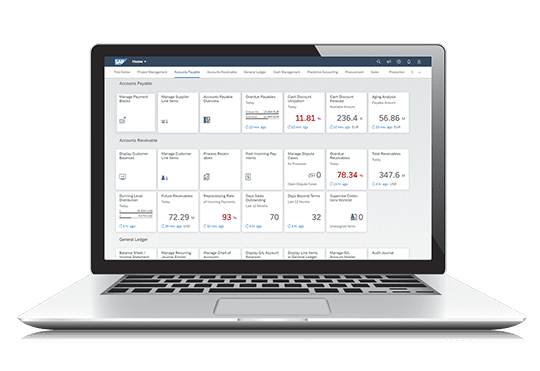
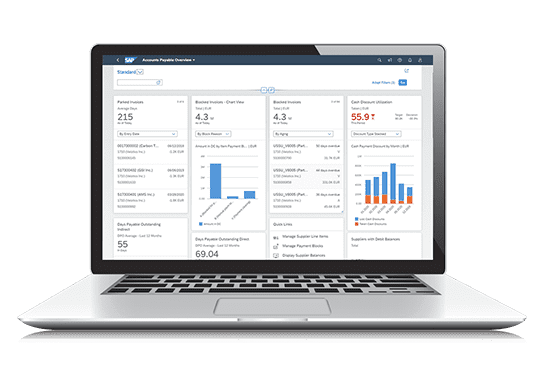
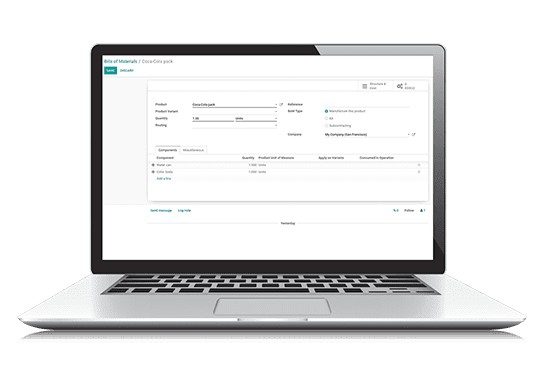
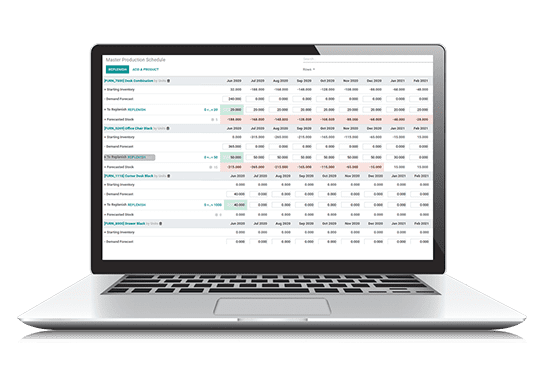
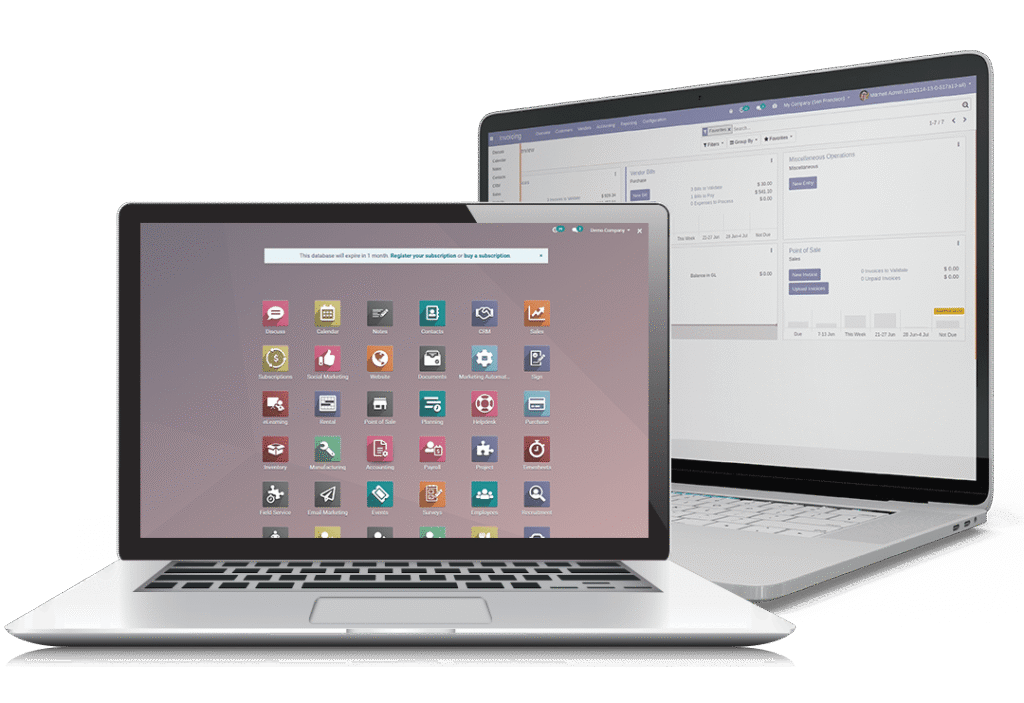
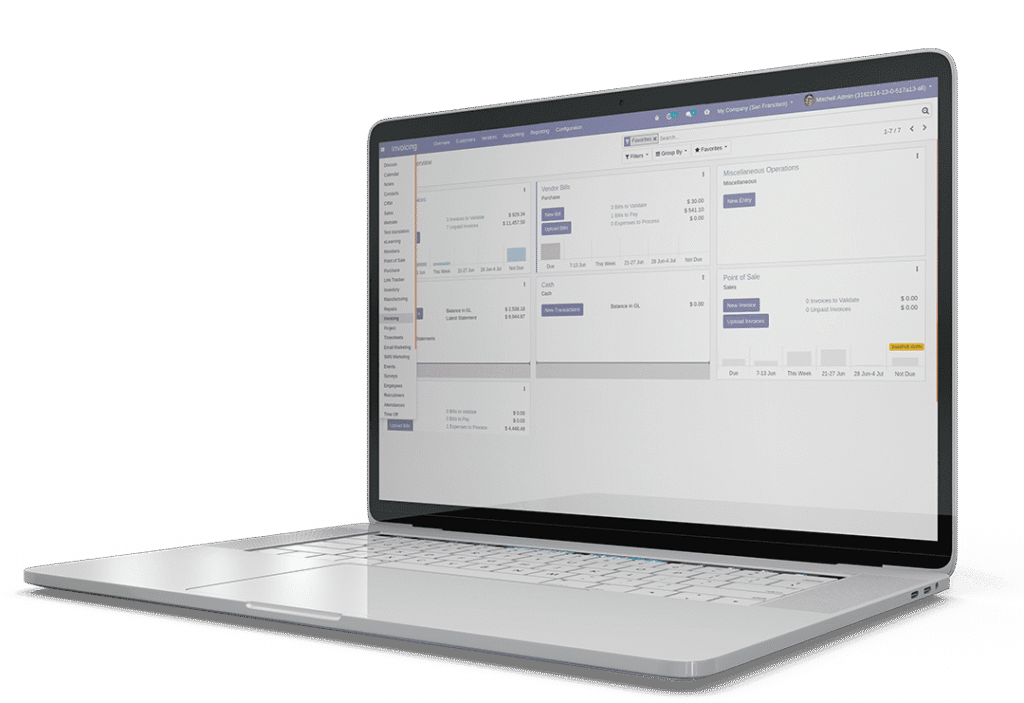
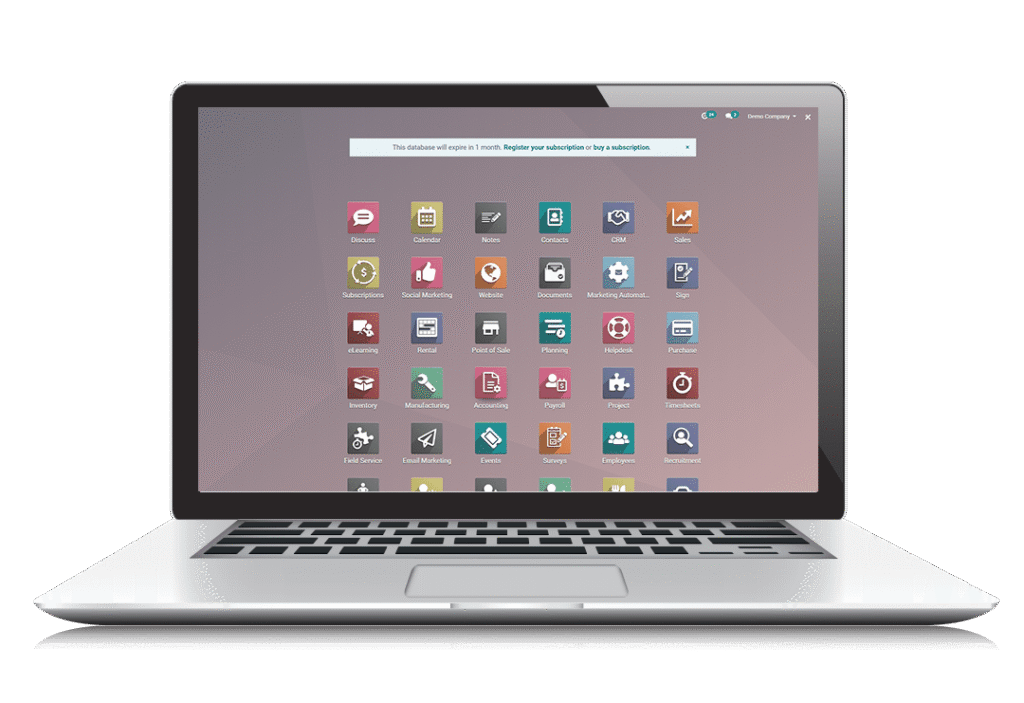
Ease of use is an important factor to consider when purchasing an ERP, as it must be easy to use, even by untrained employees. The simplicity of the user interface can have a direct impact on user efficiency and productivity. Moreover, the easy-to-understand interface will definitely be appreciated by users who use the software frequently. For example, production environments can be harsh, so a user-friendly interface is a huge benefit for employees. When implementing ERP, you need to ensure that a simple interface is implemented, taking into account the company’s specialization and workflow. The screenshots of various ERPs here will help you assess the visibility and usability of the interface. Consider before choosing an ERP. A description of the functionality of a software interface cannot be understood from a single image. Instead, a detailed comparison can help you choose an ERP.

User Interface - SAP Business One

SAP Business One - BoM

SAP Business One - Product Master Data

User Interface - Odoo

Odoo - BoM

Odoo - Production Scheduling

Customer Satisfaction

Ratings

Odoo Enterprise

SAP Business One

Mobile App

4.1/5

4.0/5

Reports Flexibility

4.12/5

4.16/a

Mobile App

Pricing & Conditions

Pricing & Conditions

Odoo Enterprise

SAP Business One

PRICING *

$25 / user / month

$2,975 / user perpetual + 18% per year

Contract Duration

Monthly / Annual

Annual

Five Year Cost, 50 Users

$75,000

$282,625

Free Trial

New Version Upgrades Included

Update Service Included

Cloud Offer Available